
Description
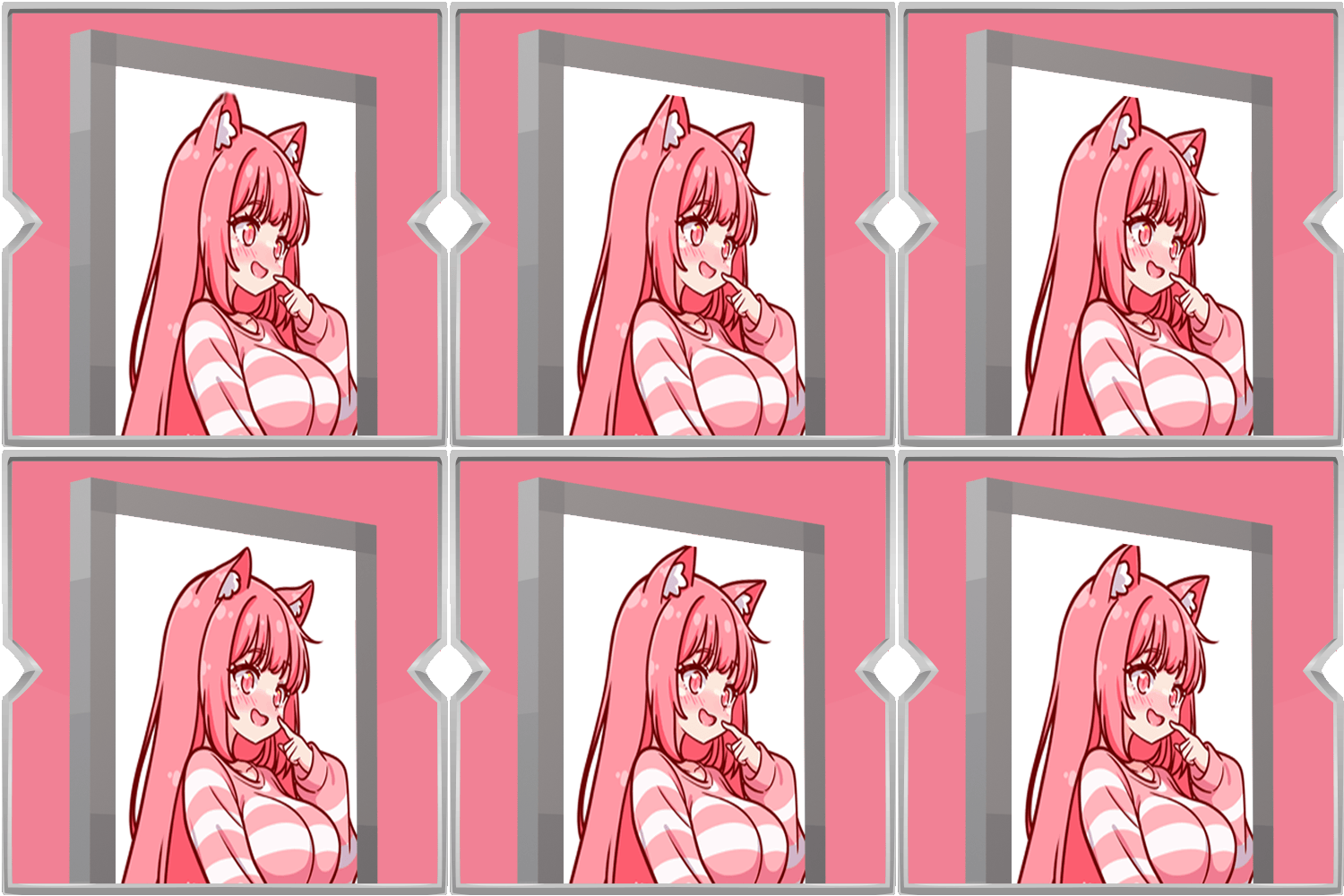
Animated Shields lets you put a moving picture on your shield. Instead of a plain shield, you can show a GIF or image that plays while you hold or block.
To add images, place GIF or picture files in the animated shields folder inside your game folder. The menu tells you where that folder is, and the gallery can open it for you. Choose a file in the gallery and it appears on the red face of the shield.
Simple to set up, fun to customize, and made for showing a bit of personality on the battlefield.

To add images, place GIF or picture files in the animated shields folder inside your game folder. The menu tells you where that folder is, and the gallery can open it for you. Choose a file in the gallery and it appears on the red face of the shield.

Simple to set up, fun to customize, and made for showing a bit of personality on the battlefield.